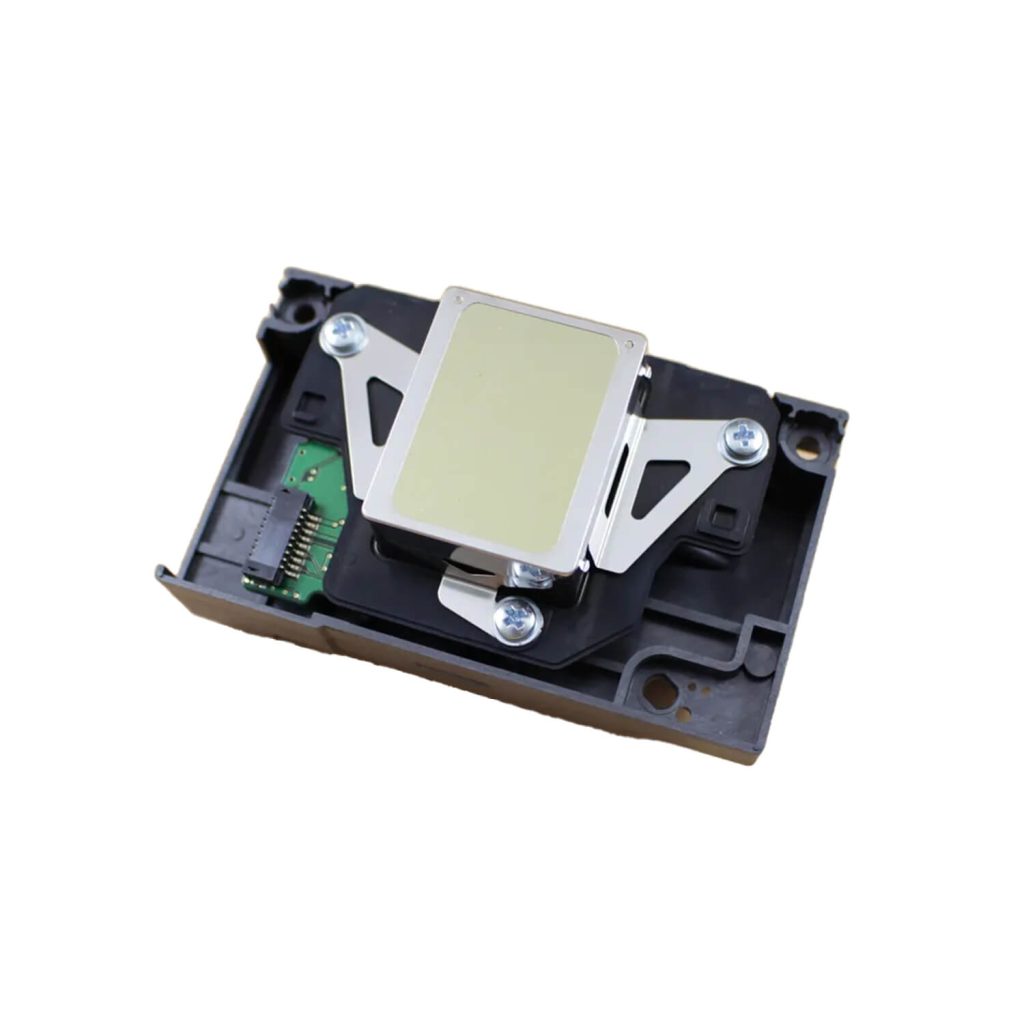
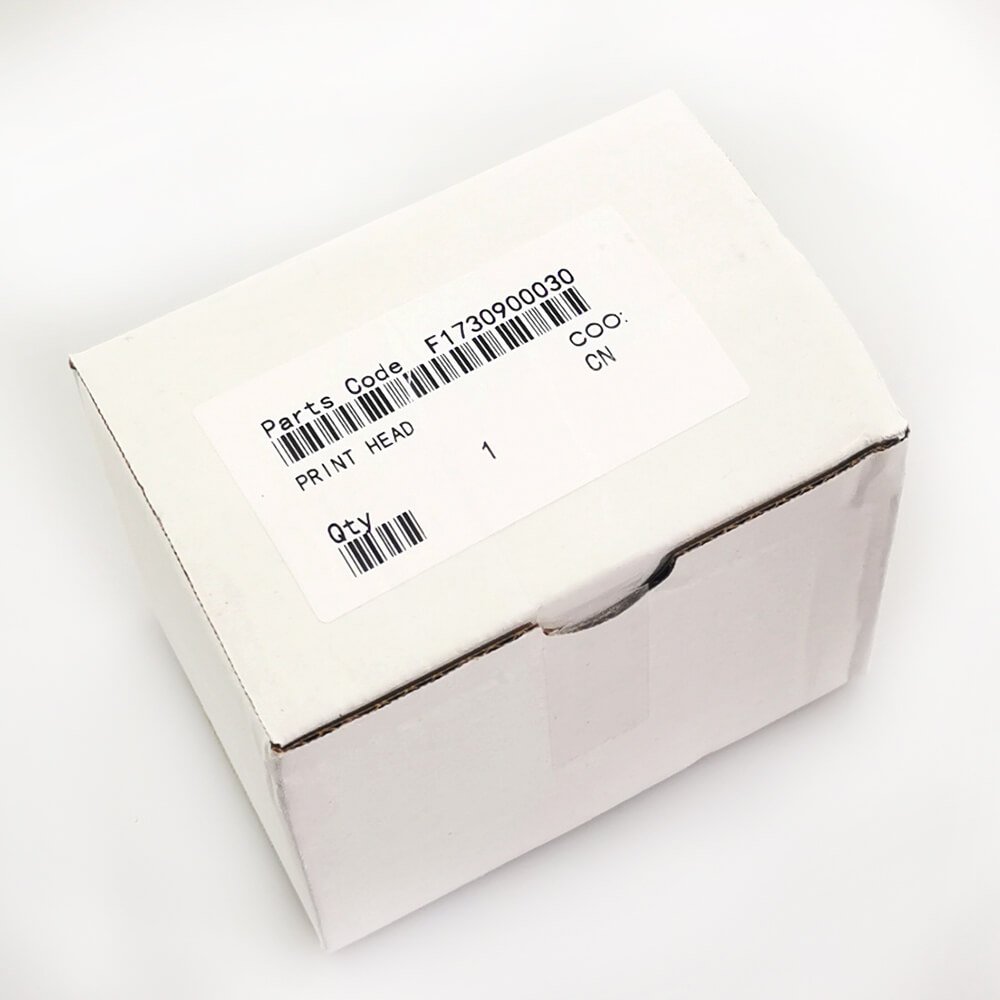
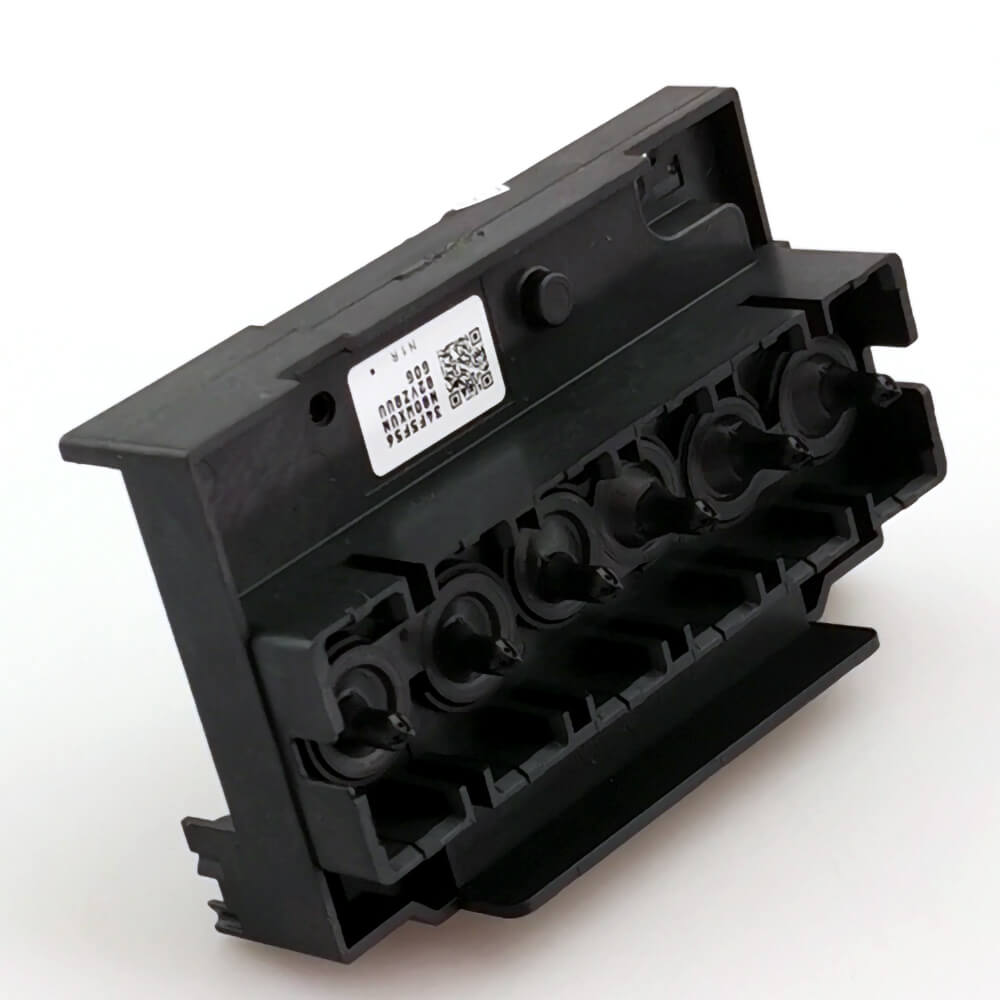
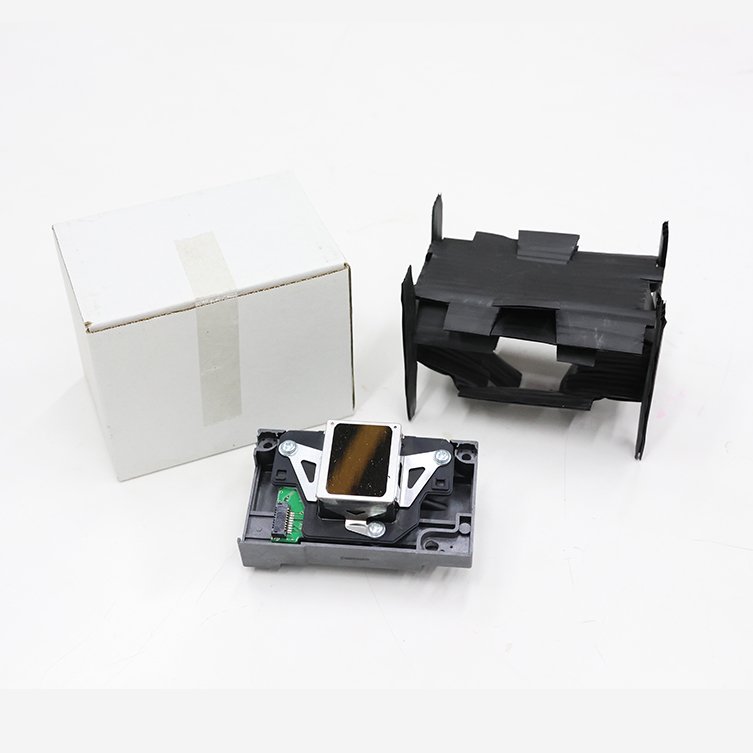
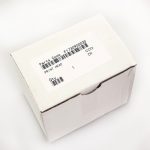
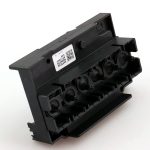
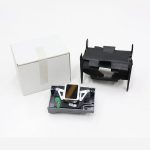


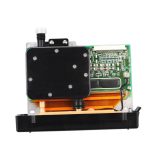
Epson L1800 Print Head Description
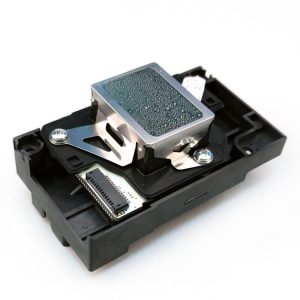
The Epson L1800 printhead (F173000/F173050/F173060/F173070/F173080/F173090) is compatible with Epson Stylus Photo Series printers, including the 1390, 1400, 1410, 1430, L1800, 1500W, R260, R265, R270, R330, R360, R380, and R390, as well as a wide range of DTF printers. Please note that this Epson L1800 DTF print head is not interchangeable with the Epson L805 print head.
Alternative names: Epson L1800 DTF printhead, Epson 1400 print head, Epson 1390 print head, Epson 1430 print head
Epson L1800 Print Head Specifications
| Type | On-demand inkjet (Piezoelectric) |
| Number of nozzles | 1600 |
| Nozzle configuration | 90 nozzles black, 90 nozzles per color |
| Minimum droplet size | 1.5pl, with variable-sized droplet technology |
| Ink type | Aqueous ink, UV |
| Printing resolution | 5760*1440 dpi |
How to replace the Epson L1800 printhead?
Epson L1800 print head replacement or Epson Stylus Photo 1400 print head replacement
If you have tried all cleaning operations and ink extraction procedures but still cannot solve the print head¡¯s clogging, then you need to replace the print head.
1. Remove the clips securing the print head.
2. Unscrew the three screws fixing the print head.
3. Take out the print head.
4. Disconnect the print head¡¯s ribbon cable.
Note to check if the ribbon cable has any ink contamination, and do not disconnect the encoder strip¡¯s ribbon cable after installing the new print head.
5. Secure it with the screws and clips.
6. Power on the machine and observe its self-check process.
If the self-check passes and the nozzle check page is good, the Epson L1800 print head replacement is successfully completed.